
Quick answer
Redeemable codes
Copy a code exactly as shown, then paste it into the game’s official code box.
5BVISITSRewardsRAMADAN1 SpinXMAS3 Reindeer SpinsSPOOKYSEASON1 SpinDELAYBALLSword4BVISITSSwordSHARKATTACK1 SpinSUMMERWHEEL1 SpinBPTEAMS1 SpinSUMMERSTARTSHERE1 SpinREBIRTHLTM1 Rebirth TicketDRAGONS1 Dragon TicketENERGYSWORDS1 SpinROBLOXCLASSIC1 Hacker TicketGIVEMELUCK4 Luck BoostsGOODVSEVILMODEGood vs Evil CrateDUNGEONSRELEASE50 Dungeon RunesFROGS1 SpinGOODVSEVIL1 SpinBATTLEROYALE1 Storm TicketRNGEMOTES1 SpinFREESPINS1 Spin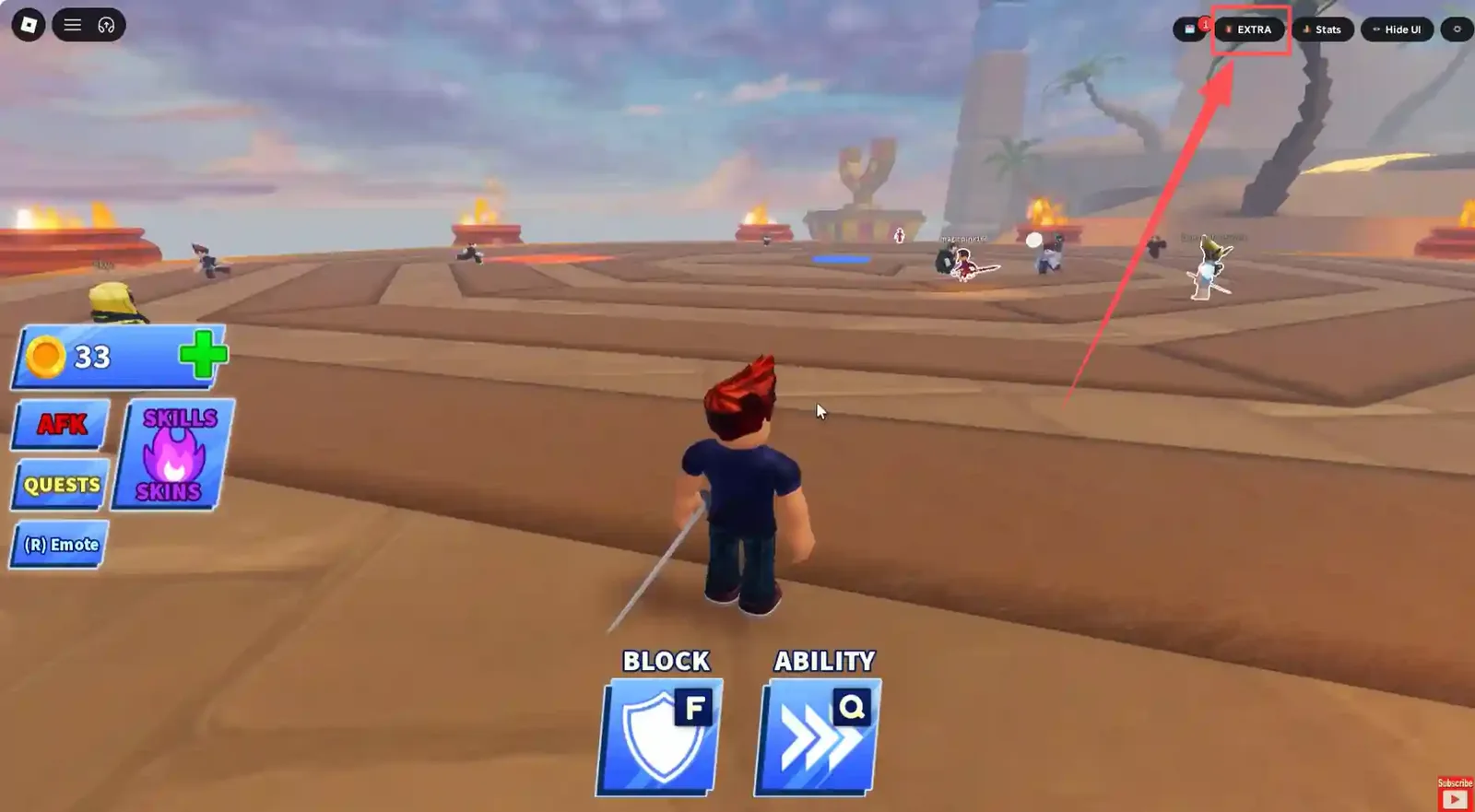

What to check
- Use the code panel inside Blade Ball rather than a separate reward website.
- Copy capitalization, numbers, and punctuation exactly as they appear.
- Try one code at a time so the reward message is easy to confirm.
- Treat password forms, downloads, surveys, and cookie requests as scam warnings.
What to do next
- Launch Blade Ball from its official Roblox experience page.
- Open the in-game menu and locate the code redemption option.
- Paste or type one Blade Ball code without adding spaces.
- Submit it once and check the confirmation or error message.
- If it fails, check whether it expired, was already used, or changed after a game update.
Safer path
Use official Roblox pages, official app-store purchase flows, recognized retailers for gift cards and the official in-game code box for a specific Roblox experience. If a page tries to move the claim into a password form, QR scan, cookie request, APK, extension or survey wall, close it.
FAQ
Where should I redeem a Blade Ball code?
Redeem it inside Blade Ball using the game’s code-entry option. A normal code does not need an outside login or reward website.
Why does a Blade Ball code say it is invalid?
The code may have expired, been redeemed already, or been entered with different capitalization or an extra space. Check the exact characters before trying again.
Can a Blade Ball code ask for my Roblox password?
No. A legitimate game code is entered in the experience and does not require your password, two-step code, browser cookie, or gift card PIN.